

How to avoid signal loss in RF connectors?
Leave a message

Hey there! As an RF connectors supplier, I've seen my fair share of signal loss issues. It's a real pain in the neck for everyone involved, from the engineers designing the systems to the end - users relying on a stable connection. So, I thought I'd share some tips on how to avoid signal loss in RF connectors.
Understanding the Basics of Signal Loss
First off, let's talk about what signal loss actually is. In simple terms, signal loss is the reduction in the strength of an electrical signal as it travels through a connector. It can be caused by a bunch of factors like impedance mismatch, cable attenuation, and even environmental conditions.
Impedance mismatch is one of the most common culprits. When the impedance of the connector doesn't match the impedance of the cable or the device it's connected to, some of the signal gets reflected back instead of being transmitted forward. This reflection leads to a loss of signal strength. To avoid this, it's crucial to choose RF connectors with the right impedance rating. For most applications, 50 - ohm connectors are the go - to choice, but in some cases, 75 - ohm connectors might be more appropriate. You can check out our PCB Connectors to find the ones with the correct impedance for your project.
Cable attenuation is another factor. As the signal travels through the cable, it naturally loses some of its strength due to the resistance and capacitance of the cable material. The longer the cable, the more attenuation there will be. To minimize this, use high - quality cables with low attenuation ratings. Also, try to keep the cable length as short as possible.
Proper Installation
The way you install your RF connectors can have a huge impact on signal loss. A poorly installed connector can create air gaps, loose connections, or even damage the internal components, all of which can lead to increased signal loss.
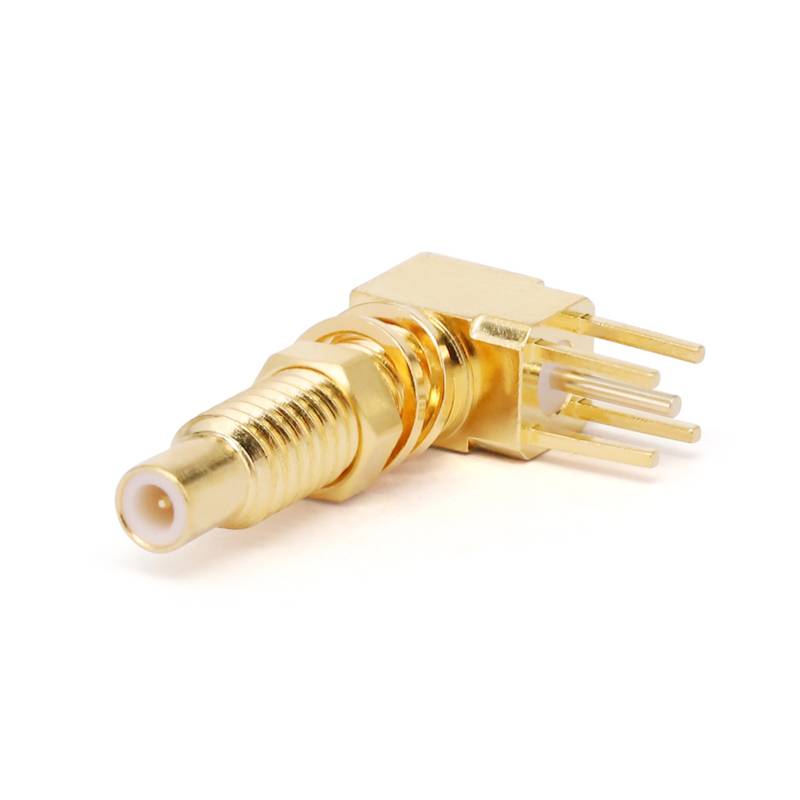
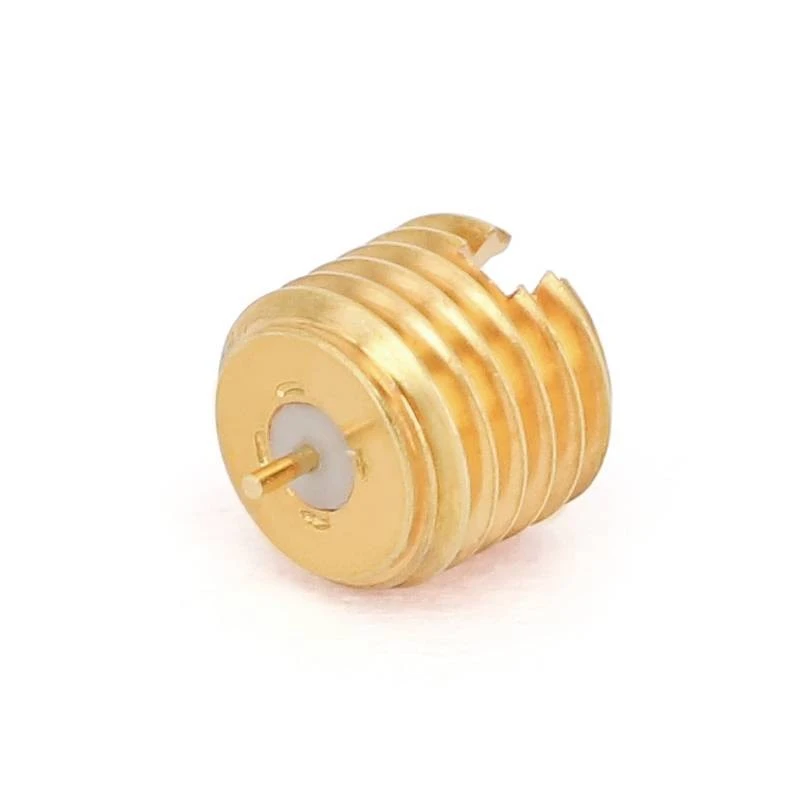
When installing a connector, make sure the cable is properly prepared. Strip the outer insulation carefully, being careful not to damage the inner conductor or the shielding. The length of the stripped section should be just right to fit into the connector. If it's too long or too short, it can cause impedance issues.
Tighten the connector properly. Over - tightening can damage the threads or the internal structure of the connector, while under - tightening can result in a loose connection. Use the right tools for the job, like a torque wrench if necessary, to ensure a consistent and proper installation.
Environmental Considerations
The environment where your RF connectors are used can also affect signal loss. Moisture, dust, and extreme temperatures can all take a toll on the performance of the connectors.
Moisture can cause corrosion, which can increase the resistance in the connector and lead to signal loss. To protect against moisture, use connectors with proper sealing. We offer Connector Dust Caps that can also help keep moisture out when the connectors are not in use.
Dust and debris can accumulate in the connector, causing interference and signal degradation. Regularly clean your connectors using a suitable cleaning agent and a soft brush. Make sure to follow the manufacturer's instructions when cleaning to avoid damaging the connector.
Extreme temperatures can cause the materials in the connector to expand or contract, which can lead to loose connections or changes in impedance. If your application is in a high - temperature or low - temperature environment, choose connectors that are designed to withstand those conditions.
Maintenance and Inspection
Regular maintenance and inspection of your RF connectors are essential to avoid signal loss. Over time, connectors can wear out, and small issues can develop that can affect signal quality.
Inspect the connectors visually for any signs of damage, such as cracks, bent pins, or corrosion. If you notice any damage, replace the connector immediately. Check the connections regularly to make sure they are tight and secure.
Test the connectors periodically using appropriate testing equipment. This can help you detect any early signs of signal loss and take corrective action before it becomes a major problem.
Compatibility
Using compatible components is crucial for minimizing signal loss. Make sure the RF connectors you choose are compatible with the cables, devices, and other components in your system.
For example, if you're using a specific type of cable, make sure the connector is designed to work with that cable. Using an incompatible connector can lead to impedance mismatch and other issues. Also, consider the frequency range of your application. Different connectors are designed to work best within certain frequency ranges. Make sure the connector you choose can handle the frequencies you're working with. You can explore our Terminal Connectors to find the ones that are compatible with your system.
Conclusion
Avoiding signal loss in RF connectors is all about understanding the factors that cause it and taking the right steps to prevent them. By choosing the right connectors, installing them properly, considering the environment, maintaining and inspecting them regularly, and ensuring compatibility, you can significantly reduce signal loss and improve the performance of your RF systems.
If you're in the market for high - quality RF connectors or have any questions about avoiding signal loss, don't hesitate to reach out. We're here to help you find the best solutions for your needs and ensure a seamless and reliable connection. Let's start a conversation about your RF connector requirements and work together to get the best results.
References
- "RF Connectors: Theory and Practice" by John F. Coonrod
- "Microwave Engineering" by David M. Pozar


